Every command is a tool
The studio runs on one command registry. The buttons you click call it, scripts call it, and an agent calls it over MCP. So an agent can do what you can do, and nothing is a separate, thinner API.
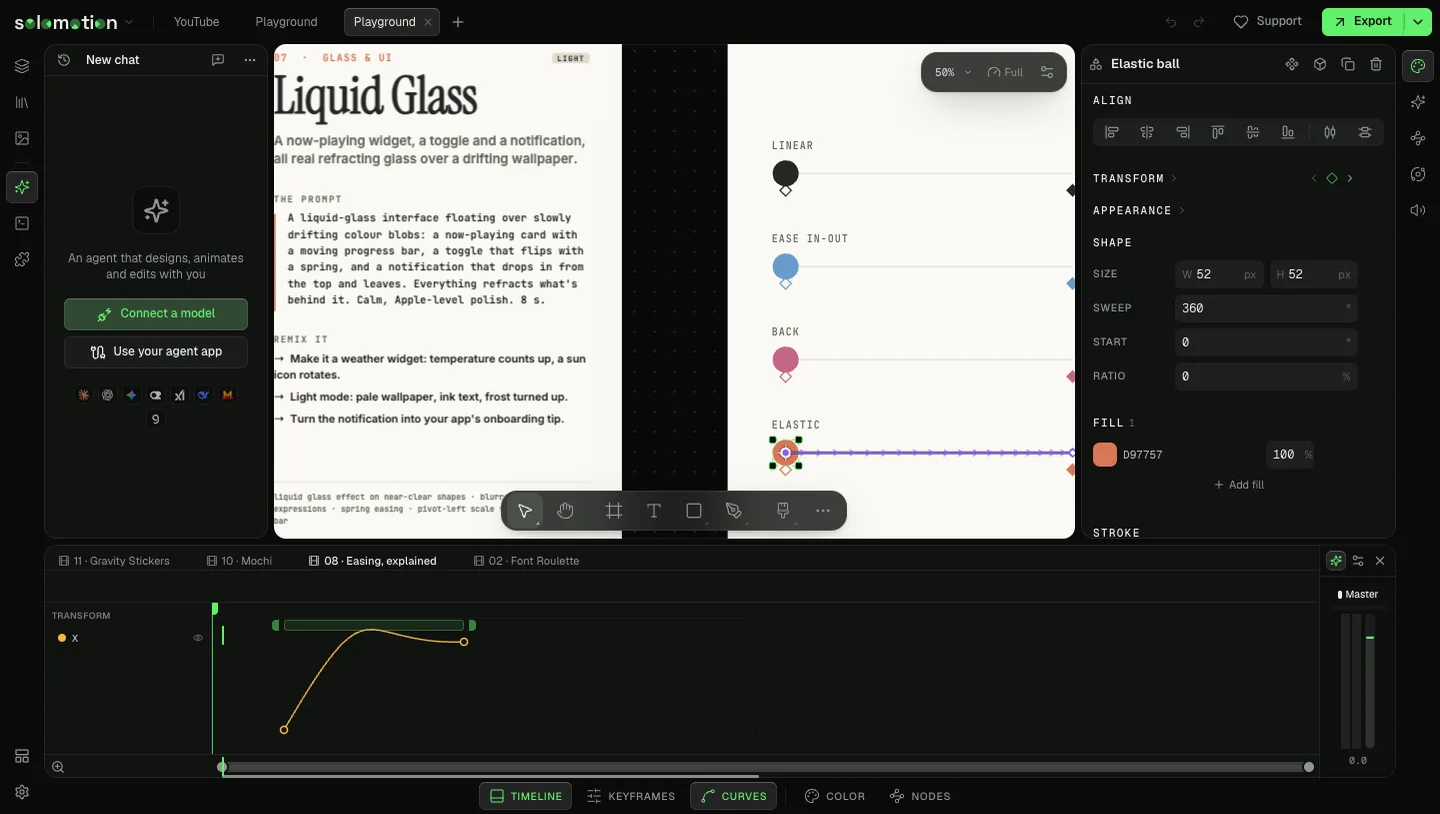
How an agent works
- Orient.
doc_overviewlists comps, sizes and the selection.layers_listreads one comp. - Build. One
api_batchper idea, or onescript_runfor anything repetitive. - Look.
view_renderreturns a frame as an image;view_framesreturns several across time. - Refine what it saw, then report in a few sentences.
The server also serves the agent skill as resources (solomotion://skill/SKILL.md and its references): how to work well in the studio, plus a default design system for type, spacing and timing.
The command map
| Job | Commands |
|---|---|
| Read | doc_overview, layers_list, layer_get, layer_properties, media_list |
| Learn a shape | api_describe, catalog_list, catalog_get |
| Make layers | layer_create (text, shape, SVG path, media, nested comp, adjustment, waveform, trace) |
| Change values | layer_set, layer_pivot, text_set, text_style, text_outline, layer_patch |
| Motion | animation_set, keyframes_set, keyframes_clear, keyframes_inspect, keyframes_simplify, expression_set |
| Effects and colour | effects_add, effects_update, effects_look, effects_morph, grade_node, grade_effect, grade_read |
| Structure | layers_group, layout_set, layers_nest, layers_restack, layers_duplicate, layers_copy, layers_delete |
| Time | timeline_move, timeline_trim, timeline_split, timeline_cut_ranges, timeline_close_gaps, transition_add, audio_detach, audio_rejoin |
| Comps and pages | frame_create, frame_duplicate, frame_update, frame_delete, page_create, page_update, page_delete |
| 3D | world_create, world_add, world_extrude, world_material, world_look, world_lattice, world_sculpt, world_line_art, world_import_model, world_move_into |
| Characters | character_detect, character_bringToLife, rig_*, poses_*, behaviors_*, shapekey_*, speech_*, machine_* |
| Physics | physics_body, physics_force, physics_emit, physics_joint, physics_scene, physics_inspect |
| Tracking | track_create, track_analyze, track_correct, track_follow, track_scene |
| Flipbooks | flipbook_cells, flipbook_edit |
| Scripts | script_run, script_save, script_read, script_reify |
| See | view_render, view_frames |
| Export and save | export_render, export_wait, project_save, project_import, project_open |
| Undo | history_undo (its own steps only) |
The list your agent sees is the live one. A field or effect that ships next month shows up in api_describe, layer_properties and catalog_list the day it lands.
Three levels of writing
Agents use the highest level that fits:
- Verbs such as
layer_createoranimation_set. They keep the rules a raw edit would break. layer_setby property path, for any animatable value:x,opacity,fill.<id>.color. Once a property has keys, a write adds a key.layer_patchfor everything else, validated against the schema. An invalid patch changes nothing and names the wrong field.
When it cannot
The agent says so, does what it can, and files report_issue with what it tried. A command that needs a model provider you have not connected fails with a hint naming what is missing.